Loading the realm…
Copied to clipboard
URIXMC
Checking status…

Welcome to UriXMC

Survival, community, and nonstop Minecraft energy. Java & Bedrock · premium not required — cracked and official players both welcome.

Java Edition
playmc.urix.nl
Bedrock Edition
playmc.urix.nl:27212

Features

Full breakdown of what UriXMC offers — how you connect, what the world is like, and how the community is run.

⚔️

Cross-play

Java and Bedrock players share the same survival world and community. No split playerbase: your PC friends and mobile/console friends can actually play together.

  • Java address: playmc.urix.nl
  • Bedrock address: playmc.urix.nl port 27212
  • One Discord for both editions
  • Same rules and progression goals
🔓

No premium needed

Cracked and premium players play together. You do not need a paid Minecraft account — offline / cracked clients can join the same world as official ones.

  • No paid account required to connect
  • Cracked + premium on one server
  • Java and Bedrock still both supported
  • Just install a client and use the IP
🏰

Custom spawn

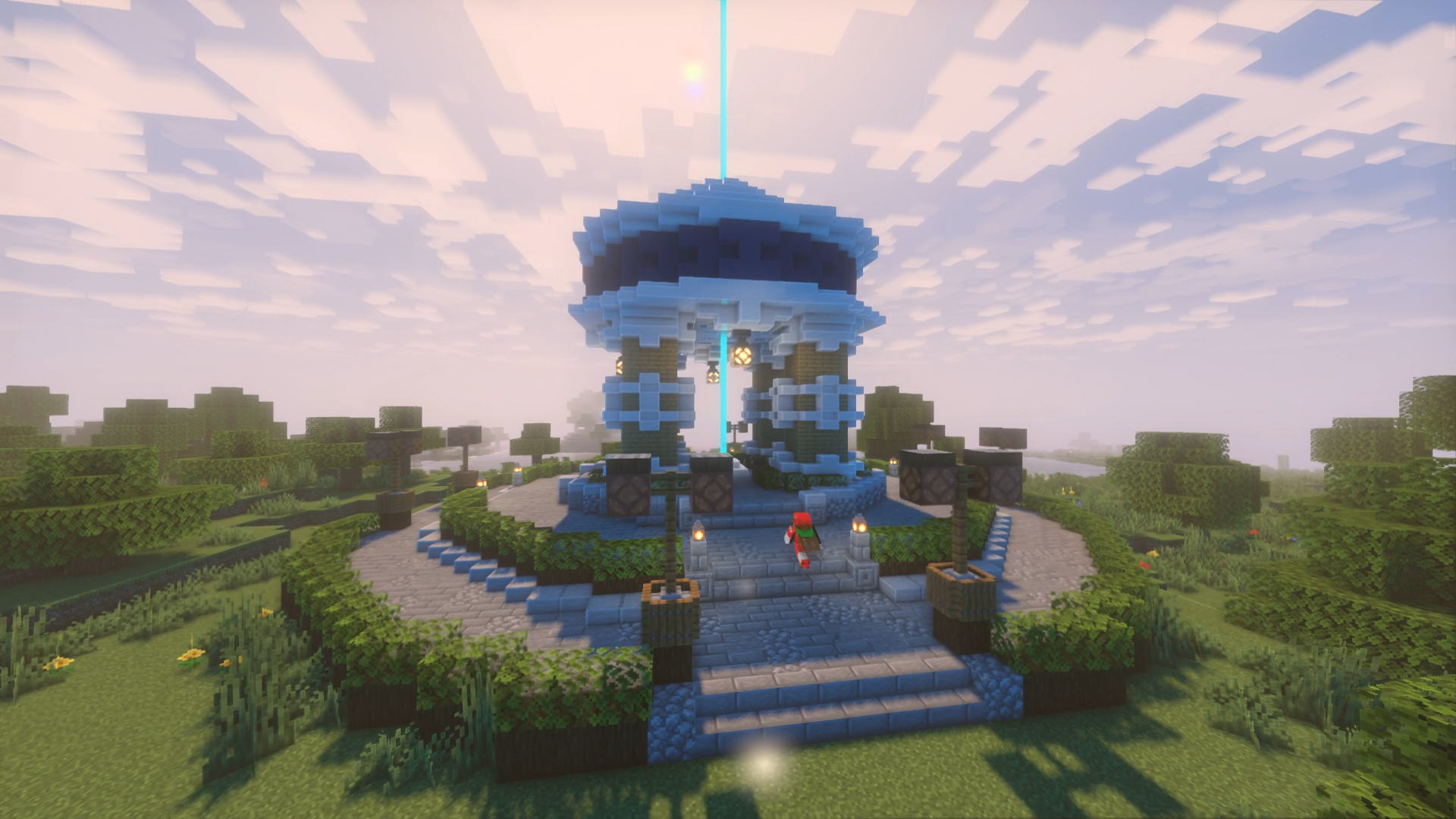
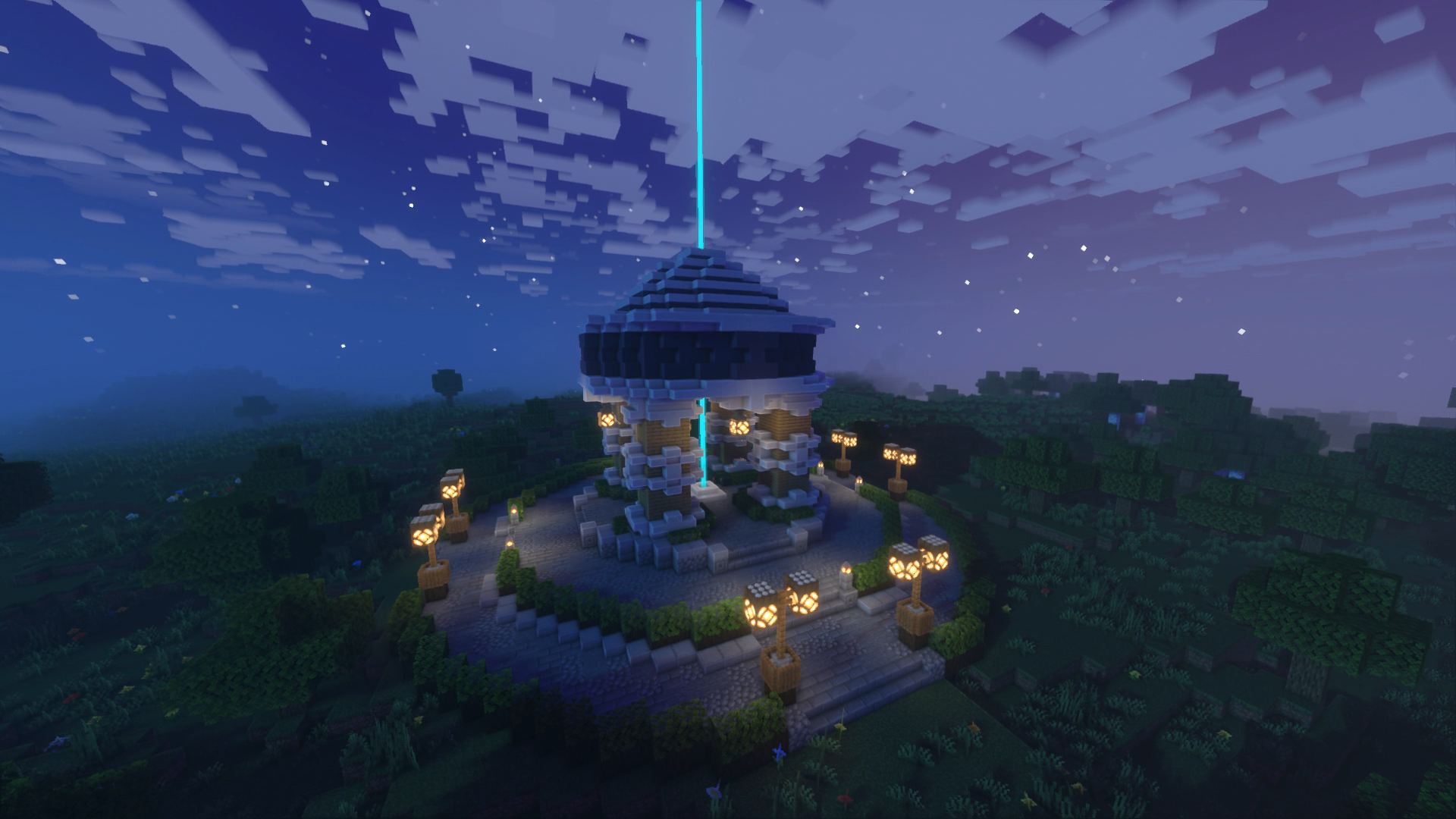
You do not spawn into a blank field. The hub is built out so first-time players know where to go, and regulars have a fixed place to meet, trade, and set off into the wild.

  • Landmark tower and clear paths
  • Shops and orientation for new joins
  • Natural meetup point before long trips
  • Safe area to plan without getting lost
🔥

Nether access

Nether is part of normal progression, not a locked endgame. Portals and routes exist so you can farm, travel, and gear up without pure busywork.

  • Portal access without endless digging
  • Faster travel between far bases
  • Material runs for stronger gear
  • Exploration beyond the overworld loop
🗡️

PvP & survival

Survival is the default: mine, farm, build, and store wealth. PvP is available when you choose risk — fights, teams, and loot — without turning every login into forced combat.

  • Long-term bases and resource lines
  • Optional fights for loot or rivalry
  • Team up or play solo
  • Risk you opt into, not a constant wipe threat
🤝

Active Discord

Discord is the second home of the server: news, help, events, and people to play with. Keep it open while you are in-game for calls, trades, and quick support.

  • Announcements and patch / event news
  • Support and report channels
  • Looking-for-group / teammates
  • Voice while you play

24/7 hosting

UriXMC is not a friend’s laptop that goes offline at midnight. The machine stays up so your world, chests, and builds are there whenever you have time.

  • Always-on EU hardware
  • Progress saved between sessions
  • Join on your schedule
  • Stable platform for long-term play
🧭

Friendly economy

Wealth comes from playing and dealing with other players — not from a cash shop that sells power. Trade, use spawn shops, and earn through the world.

  • Player-to-player trading
  • Spawn shops for common needs
  • No pay-to-win power advantage
  • Skill and time beat wallet size
🛡️

Fair play

Cheats and real-life harassment are not allowed. In-game grief and raids are allowed — so build smart, hide valuables, and expect PvP risk in the wild.

  • Public rules everyone can read
  • Griefing & raiding allowed
  • No hacks / toxic real-world abuse
  • Staff on Discord for serious issues
🌍

EU low latency

The node sits in Europe so regional players get better responsiveness than a host continents away. Movement, mining, and PvP feel tighter when delay is low.

  • European hosting location
  • Smoother combat and movement
  • Less rubber-banding on peak hours
  • Built for EU-friendly sessions

Why UriXMC

Built for players who want a real survival world — not a lobby they leave after five minutes.

Jump in fast

Copy the Java or Bedrock address, hit multiplayer, and you are in. Spawn is already built so you never spawn into a flat empty world wondering where to go.

Cross-play first

Java and Bedrock are first-class. Same community, same Discord, same goals — whether your friends are on PC, mobile, or console.

Community focused

Events, help channels, and people to team with live on Discord. The server rewards players who stay, build, and play together — not drive-by anarchy.

Players online
Java + BE
Cross-play
24/7
Always online
EU
Location

Trailer

How to join

1

Java

Minecraft → Multiplayer → Add Server → Server Address: playmc.urix.nl → Done → Join.

2

Bedrock

Servers → Add Server → Address playmc.urix.nl · Port 27212 (or paste playmc.urix.nl:27212 where one field is used).

3

First join

Read the rules, find a starter spot, and say hi in chat. Staff can help if you’re stuck.

What you can do

Play your way — quiet builders, loud fighters, and everyone in between fit on the same map.

🌲

Survival

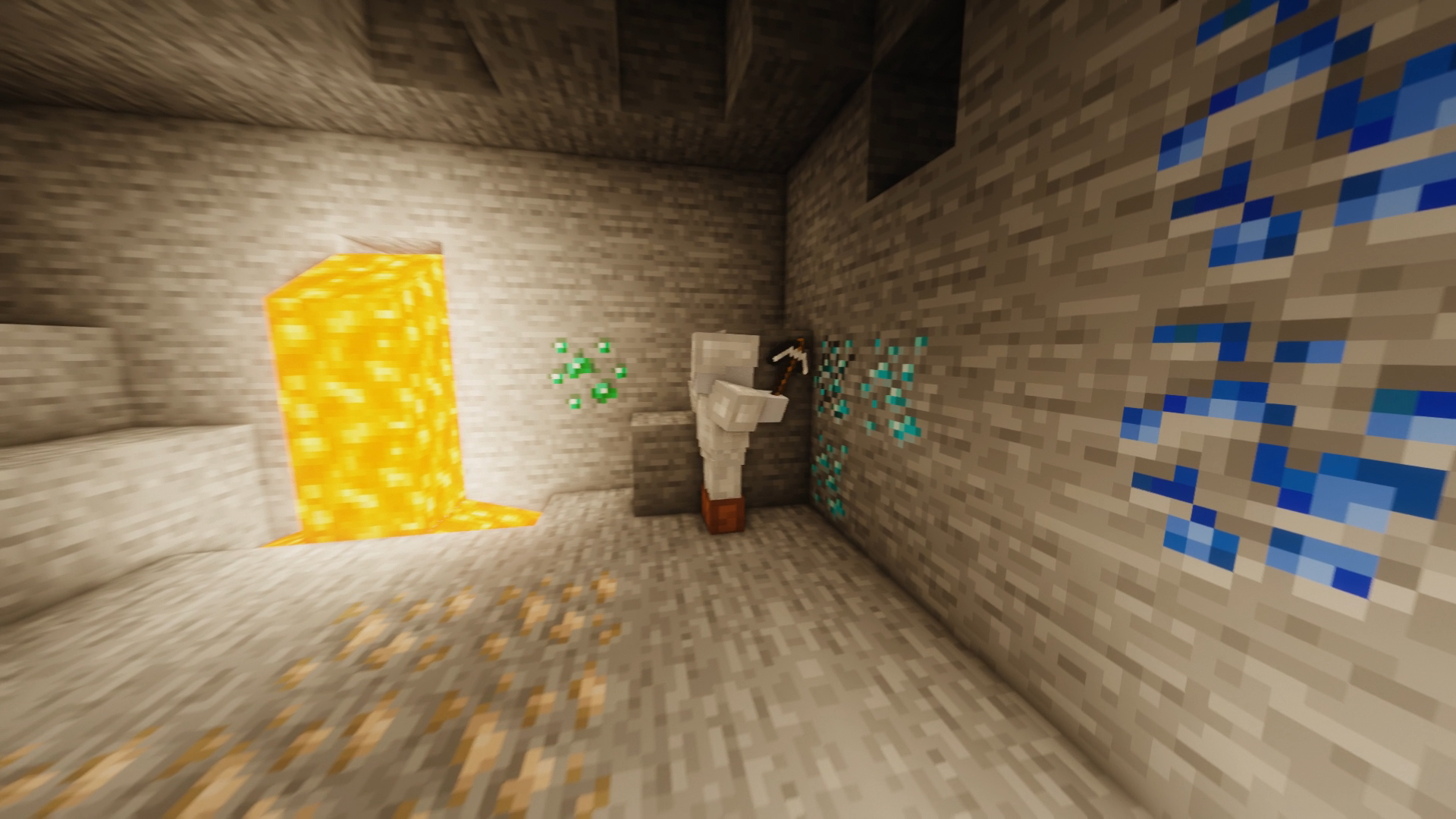
Mine, farm, breed, and expand at your own pace. Protect what you earn, plan supply lines, and turn a starter hole into a proper base over days or weeks.

⚔️

PvP when you want it

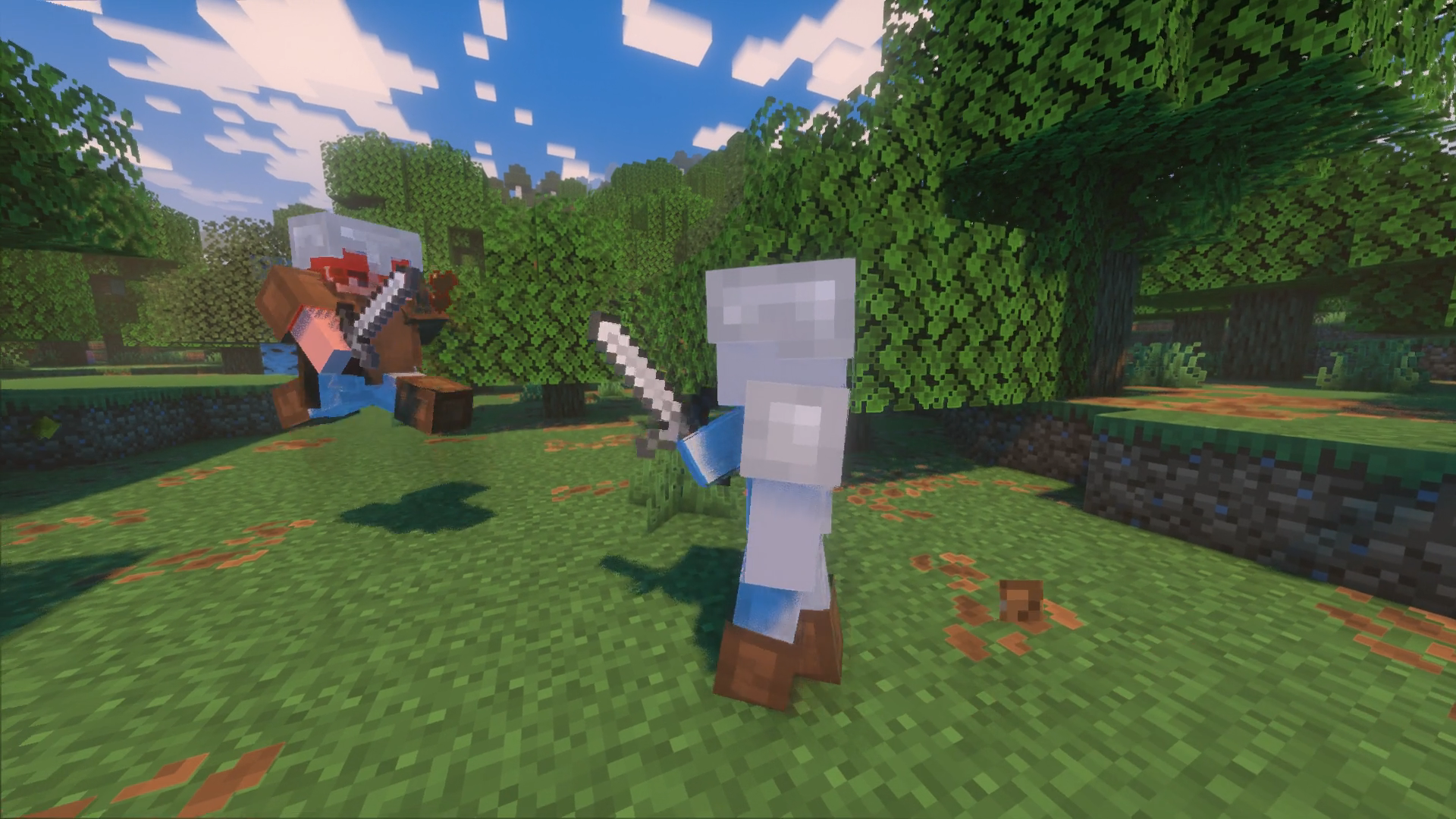
Pick fights for loot, revenge, or fun. Form teams, scout, and gear up properly — combat is an option, not a forced constant on every login.

🛒

Spawn & shops

The hub is your safe orientation point: meet players, check shops, and restock. Ideal when you are new or when you need a neutral place to trade.

🔥

Nether runs

Use portals and known routes to move faster and farm what the overworld cannot give easily. Better gear and mobility without grinding the same cave for a week.

🏠

Build freely

Starter shacks, farms, towns, or megabases — the world is open. Share screenshots and tours on Discord so the community sees what you made.

📣

Events

Community events, challenges, and news land on Discord first. Stay in the server so you catch prize runs, seasonal activity, and important map updates.

Rules

1️⃣
No cheatingHacks, x-ray, illegal clients — not allowed.
2️⃣
Respect playersNo harassment, hate, or toxic spam.
3️⃣
Griefing allowedRaiding, breaking, and stealing are part of the game — protect your base and fight back.
4️⃣
No spam / adsKeep chat clean; no server advertising.
5️⃣
Listen to staffMod decisions stand — ask calmly if unsure.
6️⃣
Have funBuild, explore, team up, raid — that’s the point.
7️⃣
Secure your baseGriefing is allowed — hide chests, use distance, don’t leave valuables in the open.
8️⃣
No real-money scamsIn-game risk is fine. IRL payment scams and account theft are not.

Check any server

Search any public Minecraft server — not only UriXMC. Java default port 25565 · Bedrock default 19132.

Discord

Play · trade · hang out

Join the UriXMC Discord for announcements, support, events, and finding people to team with. Voice channels and chat stay open while you’re on the server.

Open Discord invite

Invite is set — open the button to join the UriXMC Discord

Technical details

Connection endpoints, editions, and how the public site talks to the live server.

Java Edition Host playmc.urix.nl
Default Minecraft port via DNS (SRV when configured). Add the server in Multiplayer → Direct Connection or Saved Servers.
Bedrock Edition Host playmc.urix.nl
Port 27212 — required on mobile, console, and Windows Bedrock. Do not use the Java-only default port for Bedrock.
Cross-play Java and Bedrock connect to the same community network. Use the matching client address above; both editions share Discord and server rules.
Live status The “Online · X players” badge queries a public status API for Java host playmc.urix.nl. Updates about once a minute. If the badge says offline, the game process may be restarting or unreachable from the status provider.
Website Served over HTTPS at https://playmc.urix.nl. Static front-end (HTML/CSS/JS); no login required to view IPs, rules, or trailer.
Hosting region European node (Vollzette infrastructure) for lower latency to EU players. Game and site traffic terminate on the same network edge used for other Vollzette services.
Discord Invite: discord.gg/6mpR6rvBKF
Used for announcements, support, events, and coordination while in-game.
Client requirements Minecraft Java or Bedrock. Premium is not required — cracked / offline clients can join alongside premium players. Keep your client updated if join fails after a game patch.
Implementers / staff: Game processes run under the panel allocation (Wings). Public hostnames are reverse-proxied for the website; Minecraft stays on its game ports (not HTTP). Status on this page uses api.mcstatus.io (Java + Bedrock). DNS SRV for Java may map the friendly hostname to the real allocation port — players should still use playmc.urix.nl without typing the internal port when SRV is set.

Community

English, German, and Dutch players all welcome — survival with real risk, cross-play, and no premium required.

🇳🇱

Nederlands

Nederlandse en Belgische spelers zijn welkom. Chat in het NL of EN — de community is mix.

🇩🇪

Deutsch

Deutsche Spieler sind willkommen. Schreib auf DE oder EN — Hauptsache fair und ohne Cheats.

🇬🇧

English

International English chat works for everyone. Cross-play Java & Bedrock, cracked or premium.

FAQ

What versions are supported?

Connect with a recent official Minecraft release for Java or Bedrock. If join fails, update your game and try again.

Is the server free?

Yes — free to join with the IPs above. No premium account required. Donations or ranks (if added later) are optional.

Bedrock won’t connect

Use host playmc.urix.nl and port 27212. Check you’re not on a restricted network blocking UDP/TCP game ports.

Where do I get help?

Ask in-game chat or join the UriXMC Discord for support, reports, and teammates.

Do I need a premium Minecraft account?

No. UriXMC allows cracked / offline players as well as premium. Both can join the same server — you do not need a paid Minecraft account to play.

Is griefing allowed?

Yes. Griefing, raiding, and stealing are allowed. Protect your stuff, hide bases, and use the risk as part of survival. Cheats and real-world harassment are still banned.

How do I find friends to play with?

Say hi at spawn, check Discord looking-for-group channels, or team up after an event. The server is built for groups.

Where are the technical connection details?

See the Technical details section for Java/Bedrock hosts, ports, status API behavior, and region.

Java says connection refused / can’t connect

Use playmc.urix.nl exactly. Update Minecraft, disable VPN briefly, and confirm the live badge above says Online.